Does the ADA apply to websites? A guide for online stores
How the ADA applies to online stores: what the Justice Department says, why WCAG is the yardstick, where courts disagree and what to do about a demand letter.
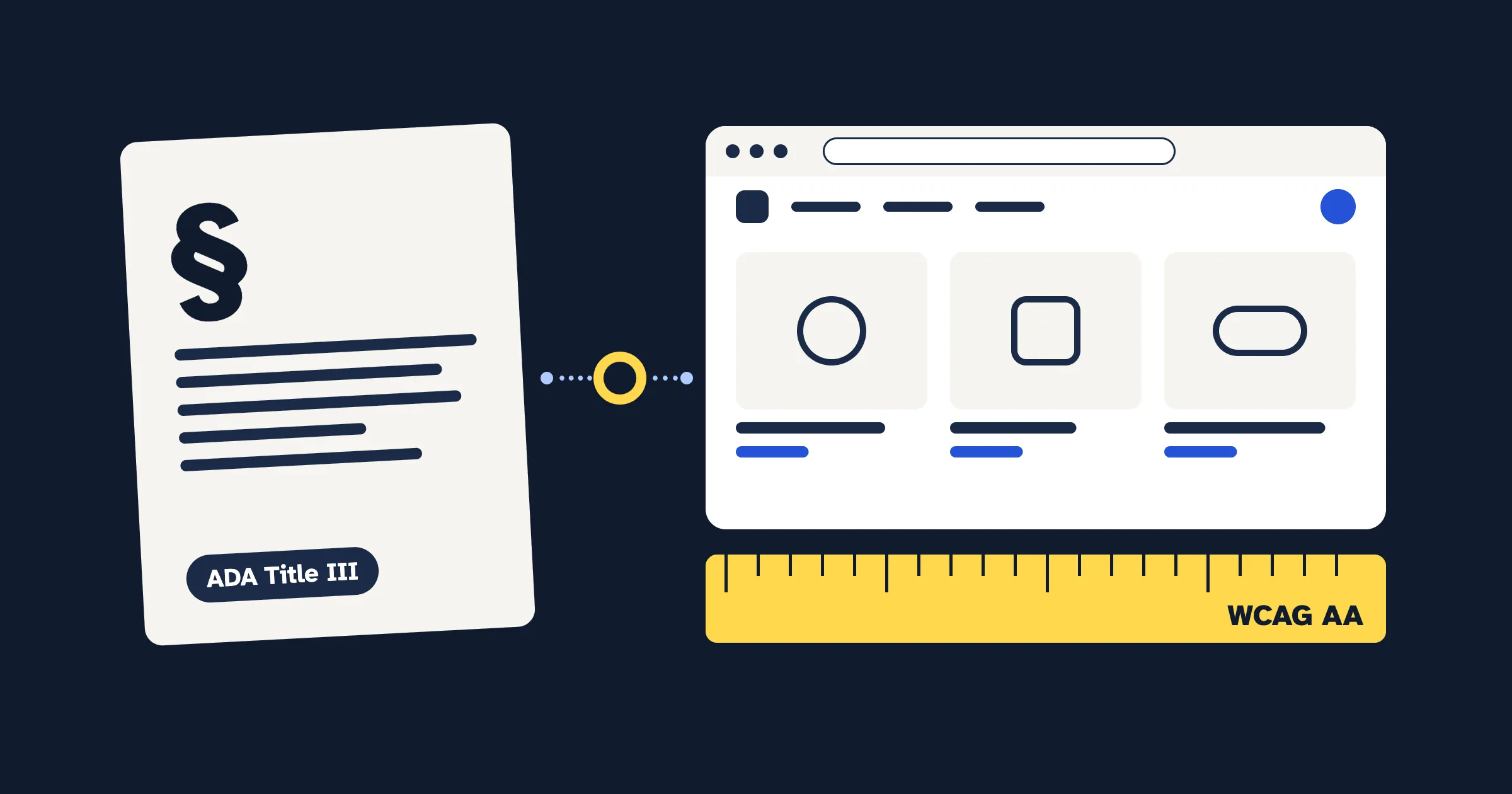
The Americans with Disabilities Act (ADA) doesn’t mention websites, but the US Department of Justice has said since 1996 that it applies to web content, and courts have applied it to websites tied to a physical store. Whether it covers a store that exists only online is a question courts still disagree on. There’s no federal technical standard for business websites, so the measure the Justice Department’s guidance and settlements point to is the Web Content Accessibility Guidelines (WCAG) at Level AA.
What is the ADA, and which part covers online stores?
The ADA is a US civil rights law, passed in 1990, that prohibits discrimination against people with disabilities. Two of its parts matter for websites:
- Title II covers state and local governments: cities, counties, public schools and other public bodies.
- Title III covers private businesses that are open to the public, which the law calls “public accommodations”. Its list includes “a bakery, grocery store, clothing store, hardware store, shopping center, or other sales or rental establishment” (42 U.S.C. § 12181(7)).
Title III’s general rule is that no one may be discriminated against on the basis of disability “in the full and equal enjoyment of the goods, services, facilities, privileges, advantages, or accommodations of any place of public accommodation” (42 U.S.C. § 12182(a)).
None of that text mentions websites. Everything else here comes from how the Justice Department and the courts have applied the law since.
What does the Justice Department say about business websites?
The Department of Justice (DOJ) enforces the ADA. Its Guidance on Web Accessibility and the ADA, published on 18 March 2022, is the clearest statement of its view. For businesses open to the public, it says “the Department has consistently taken the position that the ADA’s requirements apply to all the goods, services, privileges, or activities offered by public accommodations, including those offered on the web.”
It’s just as clear that there’s no detailed rulebook: “The Department of Justice does not have a regulation setting out detailed standards.” Businesses “have flexibility in how they comply with the ADA’s general requirements of nondiscrimination and effective communication. But they must comply with the ADA’s requirements.”
Guidance isn’t a regulation, and not every court has followed it. The California case described below declined to adopt DOJ’s view.
Which barriers does the guidance name?
The guidance lists practices businesses should follow, and says it’s “not a complete list”. Each one lines up with WCAG success criteria:
| The guidance names | WCAG criterion | Where it usually lives on Shopify |
|---|---|---|
| Color contrast in text | 1.4.3 Contrast (Minimum), Level AA | Theme color schemes |
| Text cues when using color | 1.4.1 Use of Color, Level A | Required fields, sale prices, swatches |
| Text alternatives (“alt text”) in images | 1.1.1 Non-text Content, Level A | Product media, theme images |
| Video captions | 1.2.2 Captions (Prerecorded), Level A | Product and section videos |
| Online forms: labels, instructions, error messages | 3.3.2 Labels or Instructions, Level A and 3.3.1 Error Identification, Level A | Newsletter, contact and app forms |
| Text size and zoom | 1.4.4 Resize Text, Level AA | Theme layout |
| Headings | 1.3.1 Info and Relationships, Level A | Theme sections, product descriptions |
| Keyboard navigation | 2.1.1 Keyboard, Level A | Menus, drawers, pop-ups, apps |
It also says automated checkers and overlays “need to be used carefully. A ‘clean’ report does not necessarily mean everything is accessible.” And it recommends giving the public a way to report accessibility problems.
Is there a legal standard for website accessibility?
For businesses, not in federal regulations. DOJ opened a web accessibility rulemaking for businesses in 2010 and withdrew it in December 2017. When we checked the Federal Register in October 2026, there was still no Title III web rule.
What exists instead:
- The guidance says “Existing technical standards provide helpful guidance”, and names WCAG and the Section 508 Standards that the federal government uses for its own websites.
- DOJ’s settlements with businesses have used WCAG Level AA as the measure: WCAG 2.0 AA in its 2014 agreement with the online grocer Peapod, and WCAG 2.1 AA in its 2021 agreement with Rite Aid about its COVID-19 vaccine registration portal.
- Courts haven’t waited for a regulation. In the Domino’s case below, the Ninth Circuit rejected the argument that holding Domino’s liable without specific DOJ rules was unfair: “Our Constitution does not require that Congress or DOJ spell out exactly how Domino’s should fulfill this obligation.”
So the practical target for a store is WCAG Level AA. WCAG 2.2 has been the current W3C Recommendation since October 2023, and W3C says content that conforms to it also conforms to WCAG 2.1 and 2.0. Working toward WCAG 2.2 AA covers every version mentioned here.
What changed for government websites in 2024 and 2026?
On 24 April 2024, DOJ published a final rule requiring state and local governments’ web content and mobile apps to meet WCAG 2.1 Level AA. The original deadlines were 24 April 2026 for public entities with a total population of 50,000 or more, and 26 April 2027 for smaller ones and special district governments.
On 20 April 2026, DOJ pushed both back by a year with an interim final rule: to 26 April 2027 for the larger group, and 26 April 2028 for smaller entities and special districts. The rule “does not alter the substantive requirements adopted in the 2024 final rule”, but DOJ says it “plans to engage in future rulemaking processes related to the substantive requirements”. The ADA.gov fact sheet shows the current dates; check it before relying on them.
It doesn’t apply to private stores, but it shows which standard DOJ picked when it did write one down: WCAG 2.1 Level AA.
Does the ADA cover a store that only sells online?
This is where courts disagree.
Stores tied to a physical location. In Robles v. Domino’s Pizza (2019), a blind customer who uses screen-reading software said he couldn’t order a pizza through Domino’s website or app. The Ninth Circuit Court of Appeals held that the ADA applied, because the alleged inaccessibility “impedes access to the goods and services of its physical pizza franchises”. It called that connection, or nexus, to the restaurants “critical to our analysis”. It didn’t decide whether the site actually broke the law; it sent the case back to the trial court. The Supreme Court declined to hear Domino’s appeal in October 2019.
Stores that exist only online. In Martinez v. Cot’n Wash (2022), a California appeals court held that a retail website with no physical location behind it isn’t a “place of public accommodation” under Title III: “Under current law, we cannot read this phrase as including retail websites without any connection to a physical space.” The opinion describes “the resulting federal circuit split that persists today”: some federal courts treat websites as public accommodations in their own right, while others require a connection to a physical place.
Until Congress or the Supreme Court settles it, the answer for an online-only store can depend on where a case is filed. If you also sell from a shop or offer in-store pickup, your situation is closer to the Domino’s case.
Do state laws matter too?
Yes, and sometimes more. Under Title III, a private person who sues can ask for a court order to remove the barriers, and the court may award the winning side a reasonable attorney’s fee (42 U.S.C. § 12188 and § 12205). Money damages and civil penalties appear in the statute only in cases the Attorney General brings.
Some states add damages. California’s Unruh Civil Rights Act entitles everyone to “full and equal accommodations” in “all business establishments of every kind whatsoever” (Civil Code § 51). It says a violation of the ADA “shall also constitute a violation of this section”, and sets damages of “in no case less than four thousand dollars ($4,000)” for each offense (Civil Code § 52). So in California, a website claim can come with a claim for money that a private ADA claim on its own doesn’t carry. Other states have their own laws; ask a lawyer which ones apply to you.
What should you do if you get an ADA demand letter?
A demand letter comes from a lawyer. It says your website has barriers that violate the ADA, often a state law too, and usually proposes a settlement: a payment plus a promise to fix the site. It isn’t a lawsuit, but it can turn into one.
- Don’t ignore it, and don’t rush. Note any deadline it gives.
- Talk to a lawyer who handles ADA website claims before you reply or pay anything.
- Don’t buy a quick fix in a panic. An overlay doesn’t change your theme’s code. In April 2025 the Federal Trade Commission approved a final order requiring accessiBe to pay $1 million and barring it from claiming, without evidence, that its automated products can make any website WCAG-compliant. More in Do accessibility overlays and widgets work?
- Check the claims. Test the pages the letter names with a keyboard and an automated checker, and see whether the barriers it describes are there.
- Fix real barriers and keep a record. Write down what you found, what you changed and when. That record of your accessibility work helps your lawyer, and you.
What can a Shopify store do now?
You don’t need to wait for a court or a regulation to reduce barriers. Shopify runs checkout and publishes an accessibility conformance report for it, so most of your work is in your theme, your content and your apps.
- Work toward WCAG 2.2 AA, starting with the barriers in the table above. The Shopify accessibility checklist goes through the store area by area.
- Test with a keyboard. Go from the home page to a product, add it to the cart and reach checkout using only Tab, Shift+Tab, Enter and the arrow keys. The keyboard accessibility guide shows what to look for.
- Test your apps. Pop-ups, reviews, chat and swatch apps add code you didn’t write; test each one the same way.
- Publish an accessibility statement with a way to report problems, as DOJ’s guidance recommends. The free statement generator gives you a draft, and how to write an accessibility statement explains how to describe your progress honestly.
For Shopify stores
Find and fix accessibility issues on your store
CodeInspire Accessibility Tool adds an accessibility widget for your shoppers, audits your pages against WCAG, and gives you step-by-step fixes for your Shopify admin, theme editor or theme code.
What can’t this guide, or any tool, tell you?
- Whether your store is covered, or how exposed you are. That depends on your facts, the court and the state laws involved; ask a lawyer.
- Whether you’d win a case. No widget, scan score or checklist settles a legal question, and automated checks find only some barriers.
- What changes next. DOJ plans more rulemaking on the Title II rule, and courts keep deciding new cases. We checked every source here on 20 October 2026.
- Other laws. This guide doesn’t cover employment, which is Title I of the ADA, or laws outside the US. If you sell to the EU, read the European Accessibility Act for online stores.
What should you do next?
- Read DOJ’s web guidance. It’s short and plain.
- If you’ve received a letter, or the US is a big market for you, talk to a lawyer about your situation.
- Run the free website accessibility checker on your home, product and cart pages, then work through its list of checks to do by hand.
Related guides
- The European Accessibility Act for online stores
- Do accessibility overlays and widgets work?
- Shopify store accessibility checklist
Frequently asked questions
Does the ADA apply to my Shopify store?
It may. The Justice Department's position is that the ADA covers what businesses open to the public offer on the web, and courts such as the Ninth Circuit have applied it to websites connected to a physical store. For stores that exist only online, courts disagree, so the answer can depend on where a case is filed. State laws can apply too. Ask a lawyer about your own situation.
Is there a legal standard for ADA website accessibility?
Not for businesses. The Justice Department has no Title III regulation with a technical standard for websites. Its 2022 guidance says existing standards such as the Web Content Accessibility Guidelines (WCAG) provide helpful guidance, and its settlements with businesses have used WCAG Level AA. For state and local governments, a 2024 rule adopts WCAG 2.1 Level AA.
Does an accessibility widget make a website meet the ADA?
No widget or overlay can promise that. It doesn't change your site's code, so the barriers underneath stay. In 2025 the FTC ordered an overlay company to pay $1 million over claims that its automated tool could make any website WCAG-compliant. Fixing and testing your site is what reduces barriers.
What should I do if I get an ADA demand letter about my website?
Don't ignore it, and don't rush to pay or to buy a quick fix. Note any deadline, talk to a lawyer who handles ADA website claims, test the pages the letter names, fix the real barriers you find and keep a dated record of your accessibility work.
When do state and local government websites have to meet the ADA web rule?
After a one-year extension published on 20 April 2026, public entities with a total population of 50,000 or more have until 26 April 2027, and smaller entities and special district governments have until 26 April 2028. The standard is still WCAG 2.1 Level AA.
Sources
- US Department of Justice: Guidance on Web Accessibility and the ADA (18 March 2022)
- 42 U.S.C. § 12181: Definitions (public accommodation)
- 42 U.S.C. § 12182: Prohibition of discrimination by public accommodations
- 42 U.S.C. § 12188: Enforcement
- 42 U.S.C. § 12205: Attorney's fees
- Federal Register: Notice of Withdrawal of Four Previously Announced Rulemaking Actions (82 FR 60932, 26 December 2017)
- Federal Register: Accessibility of Web Information and Services of State and Local Government Entities, final rule (89 FR 31320, 24 April 2024)
- Federal Register: Extension of Compliance Dates, interim final rule (91 FR 20902, 20 April 2026)
- ADA.gov: Fact Sheet: New Rule on the Accessibility of Web Content and Mobile Apps Provided by State and Local Governments
- Robles v. Domino's Pizza, LLC, No. 17-55504 (9th Cir. 15 January 2019)
- Supreme Court of the United States: Docket 18-1539, Domino's Pizza, LLC v. Robles
- Martinez v. Cot'n Wash, Inc., B314476 (Cal. Ct. App. 1 August 2022)
- California Civil Code § 51 (Unruh Civil Rights Act)
- California Civil Code § 52
- US Department of Justice: Settlement agreement with Ahold U.S.A. and Peapod (2014)
- US Department of Justice: Settlement agreement with Rite Aid Corporation (2021)
- FTC: FTC Approves Final Order Requiring accessiBe to pay $1 Million (22 April 2025)
- W3C WAI: WCAG 2 Overview
- Understanding Success Criterion 1.4.3: Contrast (Minimum)
- Understanding Success Criterion 1.4.1: Use of Color
- Understanding Success Criterion 1.1.1: Non-text Content
- Understanding Success Criterion 1.2.2: Captions (Prerecorded)
- Understanding Success Criterion 3.3.2: Labels or Instructions
- Understanding Success Criterion 3.3.1: Error Identification
- Understanding Success Criterion 1.4.4: Resize Text
- Understanding Success Criterion 1.3.1: Info and Relationships
- Understanding Success Criterion 2.1.1: Keyboard
- Shopify Accessibility Conformance Report: Shopify Checkout